Deploying MkDocs Documentation to Netlify
Steps
- Test the MkDocs documentation locally
- Push the code to GitHub
- Add a Netlify configuration file to the repository
- Create a project on Netlify
- Select GitHub as the source
Test the MkDocs Documentation Locally
Test the MkDocs documentation locally.
$ mkdocs serve
...
INFO    -  [17:43:43] Serving on http://127.0.0.1:8000/
Verify that everything displays correctly.
Push the Code to GitHub
The minimum file structure is as follows. In the next step, we will add the Netlify configuration file.
$ tree -L 1
.
├── docs
└── mkdocs.yml
Add a Netlify Configuration File to the Repository
Add netlify.toml to the root of the repository.
[build]
  publish = "site"
  command = "mkdocs build -d site"
Create a Project on Netlify
Create a project on Netlify.
- Click
Add new site - Select
Import an existing repository - Select GitHub
- Select your repository
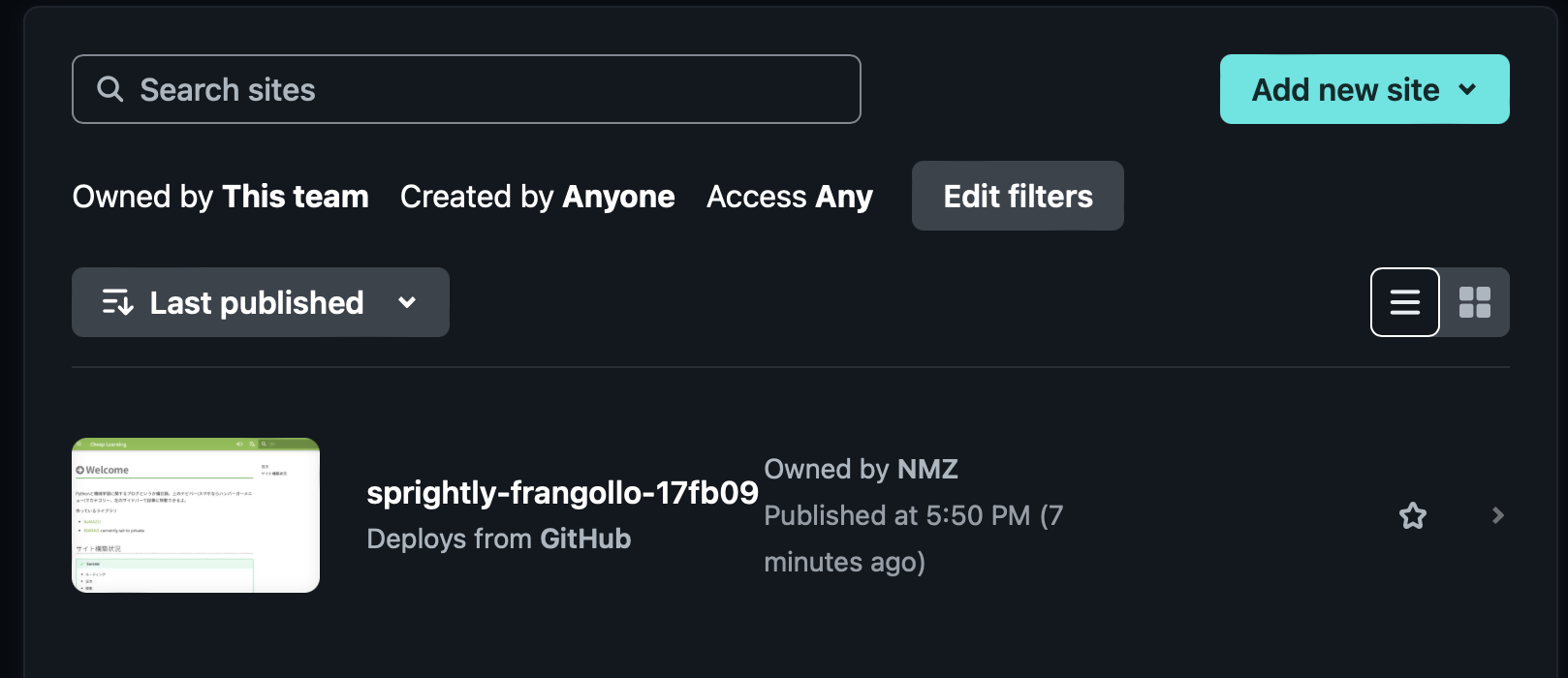
This completes the deployment.